

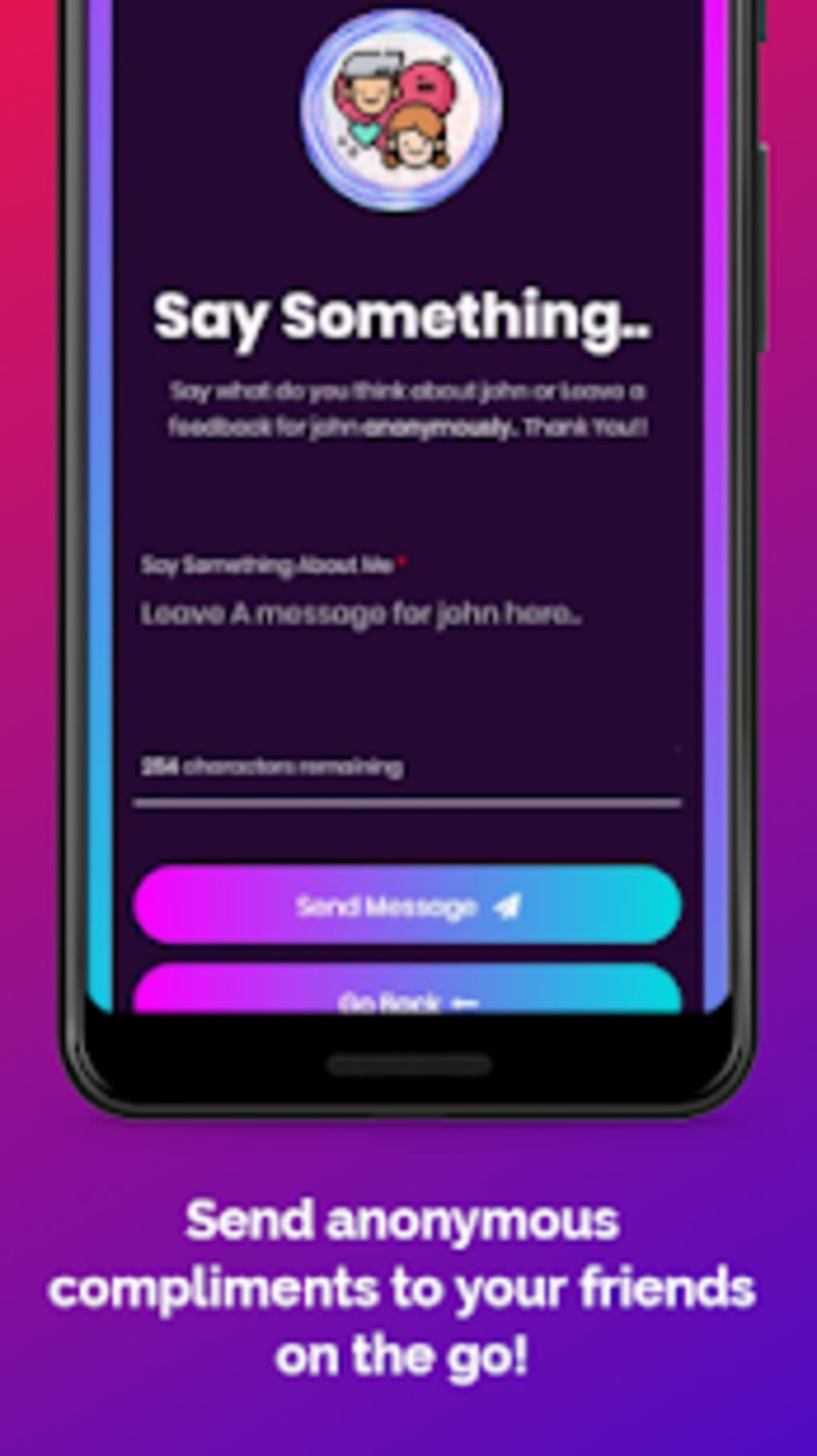


Download Kubool – anonymous messaging, send messages anonymously, social communication tool, secret message app, privacy-focused messaging, message anonymity, social utility, free anonymous messaging, instant messaging app, anonymous communication
Overview
Kubool is a desktop messaging application designed to facilitate anonymous communication between users. Its primary purpose is to allow individuals to send messages to others without disclosing their identity, creating a platform for unfiltered, honest expression. The software targets users seeking to explore how others perceive them—whether in personal relationships, social circles, or professional environments—without fear of judgment or repercussions. It is particularly relevant for individuals curious about candid feedback from friends, family, or peers, offering a unique space for open dialogue through anonymity.
The app operates as a social utility that enables users to create a personal profile with a unique username and password. This profile is tied to a shareable link, which acts as the gateway for others to send anonymous messages. The name “Kubool,” derived from an Arabic root meaning acceptance or acknowledgment, reflects its mission to foster open, truthful communication. While the developer, Kubool Inc., is identified, no further details about the company’s background or history are provided. Real-world usage scenarios include anonymous feedback sessions, relationship check-ins, or social experiments where users seek genuine reactions without identity disclosure.
Despite its promising concept, the app’s functionality relies entirely on user behavior and shared links. The developer did not provide additional system requirements or clarify the technical architecture behind message routing or data storage. As such, the actual mechanics of how anonymity is preserved remain unspecified. Nonetheless, the software positions itself as a privacy-focused tool for social interaction, aiming to empower users with the freedom to express themselves without exposure.
Key Features & Capabilities
- Anonymous Messaging: Users can send messages to others without revealing their identity, enabling candid and unfiltered communication.
- Personal Profile Link: Each user receives a unique, shareable link tied to their profile, allowing others to send anonymous messages directly.
- Username and Password Registration: Account creation requires a chosen username and password, with an optional email for password recovery.
- Message Privacy and Security: The app claims to protect user identity, asserting that only the user can reveal their identity through their own actions.
- Reporting System: Users can report inappropriate content, enabling moderation and feedback to the development team.
- 24/7 Support: A round-the-clock support channel is available for technical assistance and user inquiries.
These features are designed to support a secure and user-controlled communication environment. For example, a user might share their profile link on social media platforms like WhatsApp, Facebook, Instagram, or Twitter to invite friends to send anonymous thoughts. This can be used in personal contexts—such as checking in on how a friend feels about a recent interaction—or in group settings to gather honest feedback. The optional email registration enhances usability by allowing account recovery, reducing the risk of permanent lockout due to forgotten credentials.
While the app does not provide technical details on encryption, data retention, or server-side processing, it emphasizes user responsibility in maintaining privacy. The lack of real-time message delivery confirmation or read receipts suggests a focus on simplicity over advanced functionality. Overall, the features align with the core goal: enabling anonymous expression through a minimal yet functional interface.
User Interface, Workflow & Performance
Kubool’s user interface is designed around simplicity and accessibility, focusing on core functionality without visual clutter. The layout likely centers on a central dashboard where users manage their profile, view incoming messages, and share their unique link. Navigation appears to be linear—registration, profile setup, link sharing, and message review—ensuring a low learning curve for new users.
The workflow is streamlined: after registration, users receive immediate access to their profile link, which can be copied and distributed across social platforms. Incoming messages are displayed in a clean, chronological list, with no visible metadata such as timestamps or sender details. This reinforces the anonymity promise. The interface does not appear to include advanced customization options, suggesting a focus on usability over personalization.
Performance details were not specified by the developer. However, the software’s lightweight nature—indicated by a 100MB installation size—suggests it is optimized for minimal resource consumption. The developer did not provide information on CPU or RAM usage, nor did they disclose performance benchmarks. General software behavior patterns suggest stable operation under typical desktop conditions, but actual performance may vary based on system configuration and network conditions.
Stability and crash reports were not included in the provided data. Users are advised to exercise caution when sharing their profile link, as the app does not include built-in content filtering or moderation tools. The absence of real-time alerts or notifications may impact responsiveness, but it also reduces distractions and supports a focused experience.
Compatibility & System Requirements
Kubool is available for multiple operating systems, including Windows, Mac, and Linux, making it accessible to a broad user base across different computing environments. The software is compatible with desktop platforms, ensuring a consistent experience regardless of the underlying system.
The current version is 1.0.0, with a file size of 100MB. This indicates a lightweight installation, suitable for systems with moderate storage capacity. The developer did not specify exact system requirements, such as minimum RAM, processor speed, or disk space. As such, the actual hardware demands remain unclear.
Compatibility information was partially provided. While the supported platforms are listed, the developer did not clarify whether the app supports older OS versions, accessibility features, or integration with third-party tools. Users should verify whether their system meets baseline requirements for running desktop applications, especially if using legacy hardware or less common distributions of Linux.
Installation appears straightforward, with no mention of complex dependencies or prerequisite software. The absence of system-level permissions or background processes suggests minimal intrusion into the host environment. However, users should remain cautious when granting access to personal data, particularly when sharing profile links publicly.
Pros and Cons
Pros
- Free to download and use, removing financial barriers to access.
- Supports multiple operating systems: Windows, Mac, and Linux.
- Simple, intuitive interface ideal for non-technical users.
- Unique profile link system enables easy sharing and anonymous message collection.
- Emphasis on user privacy and identity protection.
- Optional email registration enhances account recovery options.
Cons
- Exact performance and resource usage details were not provided.
- System requirements and hardware specifications are not clearly defined.
- Limited information on data storage, encryption, or server-side handling.
- High potential for misuse, such as cyberbullying or harassment, due to complete anonymity.
- No visible content moderation or filtering tools within the app.
FAQ Section
Is Kubool safe to use?
Kubool claims to prioritize user privacy and anonymity. However, the app’s complete anonymity feature may be exploited for harmful behavior. Users should exercise caution and avoid sharing sensitive information. The developer provides a reporting system for inappropriate content.
Can I use Kubool offline?
The software requires an active internet connection to send and receive messages. Offline functionality was not specified, and the app likely depends on cloud-based infrastructure for message delivery.
How do I reset my password?
If you registered with an email address, you can use the password recovery feature. The process involves verifying your email and setting a new password. Without an email, recovery may not be possible.
Is Kubool available for mobile devices?
The provided information only confirms desktop availability for Windows, Mac, and Linux. No details about mobile versions were included.
What happens if someone sends me a harmful message?
Kubool includes a reporting system that allows users to flag inappropriate content. The developers may review reports and take action. Users are advised to avoid engaging with harmful messages and to use the reporting tool when necessary.
Final Thoughts + CTA
Kubool presents a compelling concept: a privacy-first platform for anonymous communication. Its ability to let users receive honest feedback without revealing their identity makes it a unique tool for personal reflection and social interaction. The lightweight design, cross-platform availability, and simple workflow enhance accessibility, while the free pricing model ensures broad reach.
However, the lack of transparency around technical safeguards, performance, and moderation tools raises concerns about long-term safety and reliability. The app’s strength—complete anonymity—also poses risks, particularly if misused for harassment. Users must be mindful of how they engage with the platform and what they share.
For individuals seeking a tool to gather candid feedback in a safe and anonymous environment, Kubool offers a promising solution. It is best suited for those who value privacy and are willing to accept the inherent risks of unmoderated communication.
Download Kubool now






.png)
